


|
Name |
Lark Player |
|---|---|
|
Google Play Link |
GET IT ON
Google Play
|
|
Category |
Music & Audio |
|
Developer |
Lark Player Studio - Music, MP3 & Video Player |
| Last version | 2026.16.5 |
|
Updated |
|
|
Compatible with |
Android 5.0+ |
What is Lark Player APK?
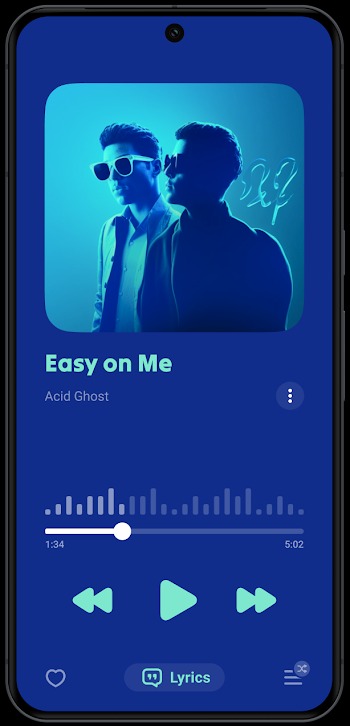
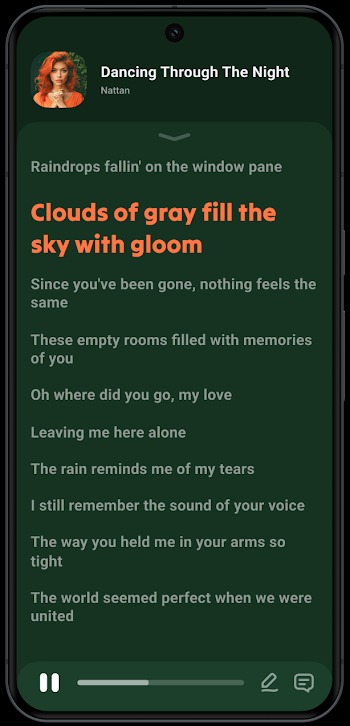
Lark Player is a mobile application built for Android users who want a simple way to play music and videos offline. It works as a multimedia player that gathers audio and video files from your device and organizes them in one place. Instead of switching between apps, everything stays inside one clean interface, which makes daily use feel smooth and easy to manage.
The app focuses on local playback, meaning it runs without needing a constant internet connection. You can open songs, movies, or short clips stored on your phone or SD card and play them instantly. There’s also an option to listen to video content as audio, which helps when you want background sound while doing other things like texting or browsing.
One of the strongest points is its wide format support. It handles common file types like MP3, MP4, MKV, and more without requiring conversion. That saves time and avoids extra apps. The built-in equalizer also lets you adjust sound styles, with presets for genres like pop, jazz, or hip-hop. For users who care about audio clarity, this makes a noticeable difference.
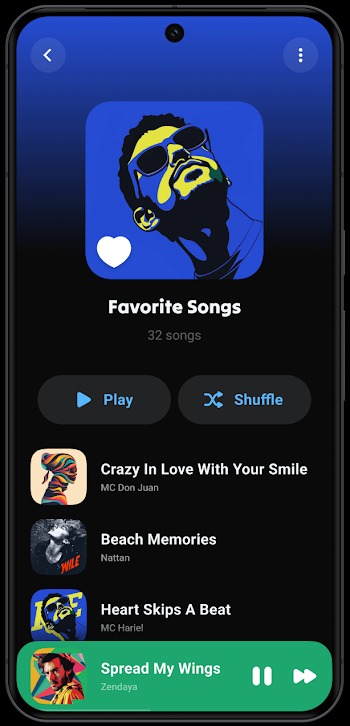
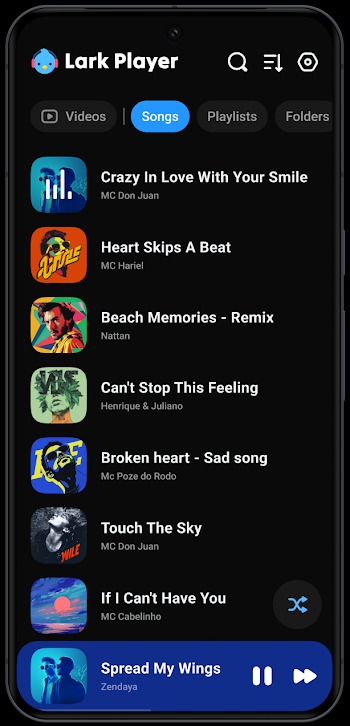
Navigation feels straightforward. The app automatically scans and sorts your media into categories like songs, albums, and videos. You can also create playlists or edit file names directly inside the app. A floating window mode adds flexibility, letting videos play in a small overlay while you open other apps at the same time.
Privacy features are included too. A locked folder allows you to hide selected files behind a password. This is useful for personal content you don’t want others to access. It’s a small detail, but it adds a layer of control that many users appreciate in everyday situations.
There are a few limitations to keep in mind. Streaming features are limited, and cloud syncing is not part of the core experience. Users who expect advanced editing tools or deep playlist customization might find the options a bit basic. Still, for offline use, it covers the essentials well without overcomplicating things.
This app fits people who store media on their devices and want quick, reliable playback. It works well for students, commuters, or anyone dealing with limited data access. The design stays practical, focusing on ease of use rather than overwhelming features.
FAQs Lark Player
What is Lark Player?
+
Lark Player is a lightweight media app for Android that plays offline videos and audio files, supporting most popular formats.
Does Lark Player support background playback?
+
Yes, Lark Player can convert videos into audio mode, letting you listen while multitasking or using other apps.
Can I hide private videos in Lark Player?
+
Absolutely. Lark Player includes a private folder feature where you can password-protect specific videos.
What file formats can Lark Player open?
+
It supports MP4, MKV, MOV, 3GP, TS, and more — nearly all major video and audio formats used on mobile.
Is Lark Player free to use?
+
Yes, Lark Player is free, but it may include in-app ads. There’s no required subscription for core playback features.
Discover More Interesting Apps
-

MP3 Song
v4.4.1.189
38.46 Mb
Updated -
StarMaker
v9.21.2
261.20 Mb
Updated -
Mod
FL Studio Mobile
v5.0.2
238.14 Mb
Updated -
Mod
Spotify Premium
v9.1.94.1912
40.67 Mb
Updated -
Mod
ElevenLabs
v1.3.1
34.00 Mb
Updated -
Gaana
v8.58.3
80.04 Mb
Updated -
Mod
Suno AI
v1.9.0
100.43 Mb
Updated -
Mod
TREBEL
v7.5.8
71.88 Mb
Updated -
Mod
Moises
v1.1.6
14.14 Mb
Updated -
Mod
JioSaavn Pro
v10.10.1
45.12 Mb
Updated










Share Your Thoughts